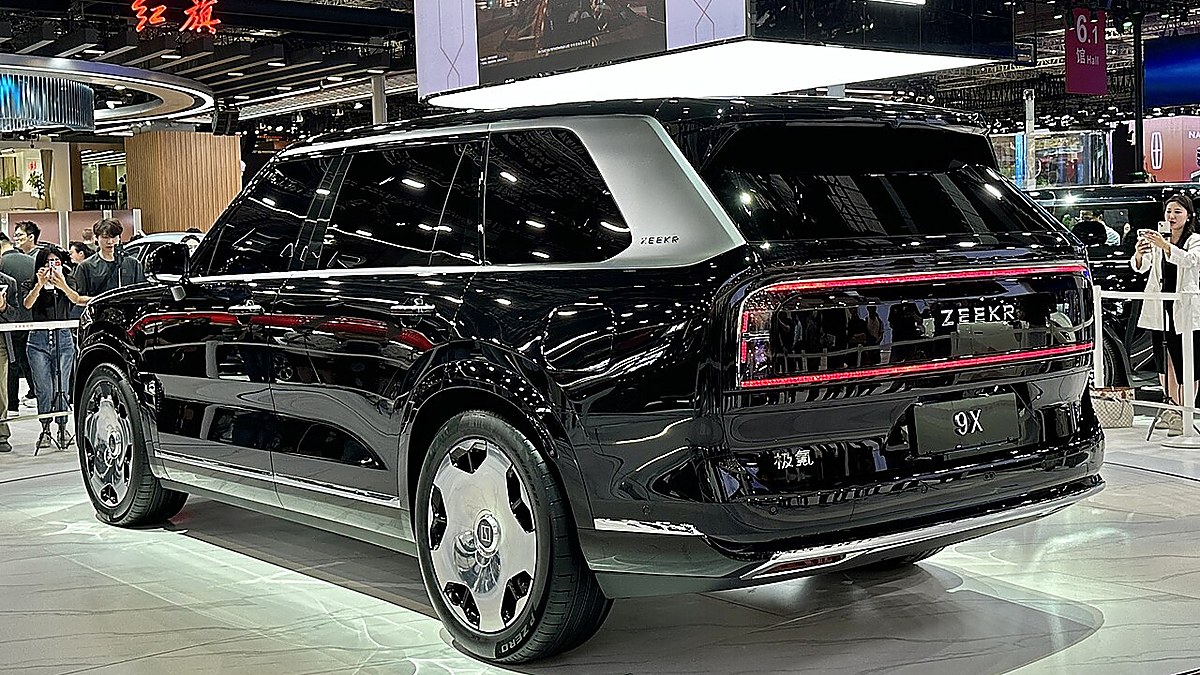

Overseas Zeekr 8X owners often want to use familiar apps in their vehicles. In a recent remote support case, a customer in the Middle East asked us to install YouTube and other mainstream tools. We also received similar requests from customers in other countries.
Customer preparation
The customer prepared a Windows laptop, connected it to the vehicle through the OBD port, and enabled debugging mode. With this setup ready, we coordinated with technicians in China to assist with the app installation and configuration remotely.
Apps installed and tested
We helped install YouTube and other commonly used tools requested by the customer. After the installation, we opened the apps and tested them in the vehicle. The installed apps were verified to run normally during the service.
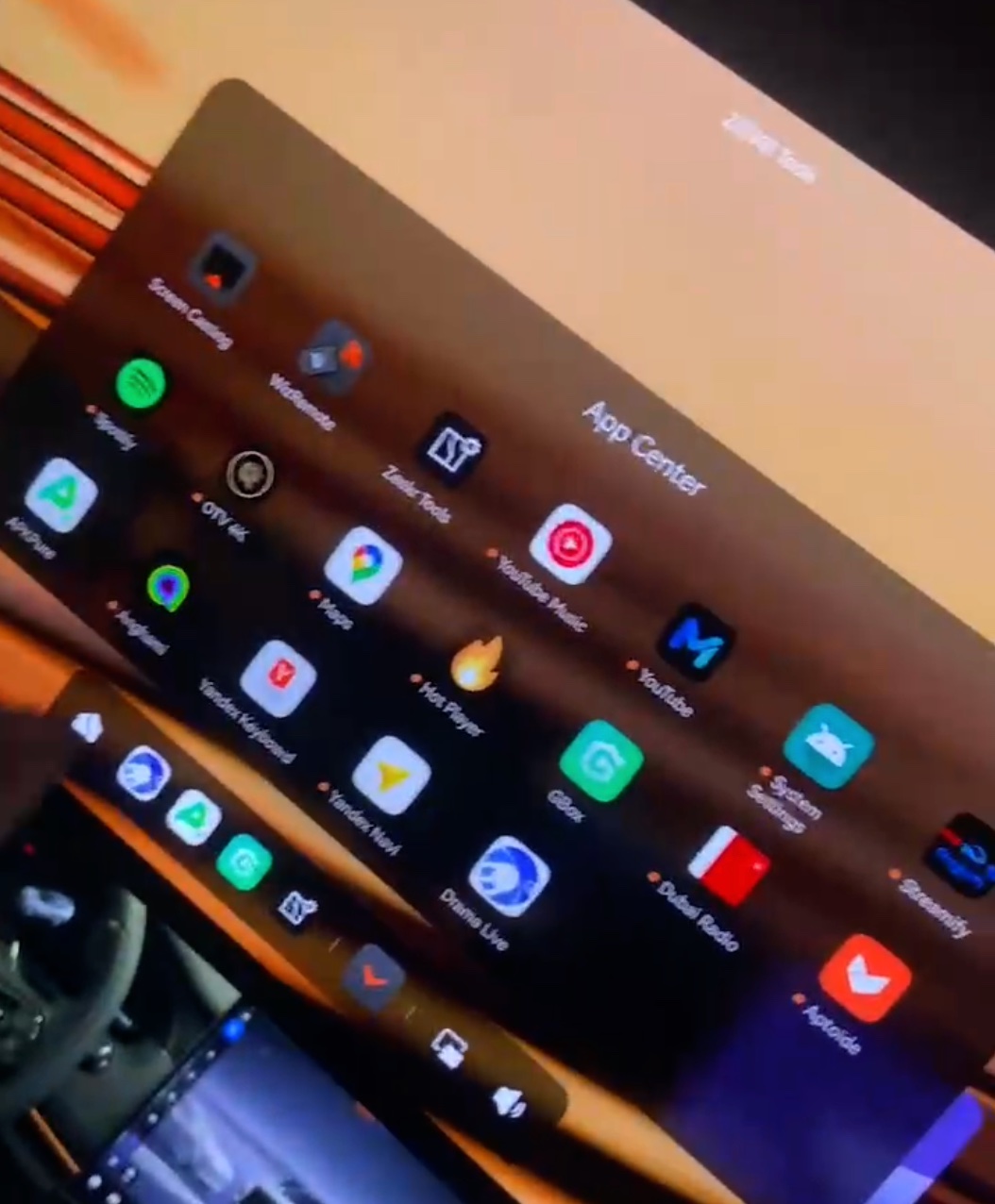
Installation across multiple screens
The work was not limited to the main center display. We also installed the supported apps on the rear passenger screen and the additional secondary display. This gives passengers more practical options when using the vehicle’s different screens.
Secondary display permissions are important
The secondary display does not automatically support every app. Some applications require additional permissions before they can be used there. For example, the Google input method needed the appropriate secondary-display permissions before it could work normally. We completed this configuration and verified the result.
Support for other Zeekr owners
App compatibility depends on the vehicle model, installed system, requested app, screen type, and required permissions. Before starting, we confirm these details and the customer’s target apps. Remote technical support is coordinated with technicians in China and is independent of Zeekr’s official service network.
If you would like to check an app installation for your Zeekr vehicle, please send us the vehicle model, country, system information, target apps, and the screens you want to use. Contact LeoEV on WhatsApp to discuss compatibility.